
Free Wall Art Generator
Turn any photo into large, print-at-home wall art in minutes. Unlimited downloads, no sign-up, 100% in your browser.
Start your wall art →Perfect for Every Space
Living Room
Create a statement piece above the sofa or over the fireplace. The wall art generator scales any photo from a single-sheet accent to a 4-metre feature wall without losing crispness.
Office
Turn a landscape shot or a brand-moment photo into wall-sized halftone art that energizes an open-plan office — or makes a home office feel like a creative studio.
Dorm Room
Personalize a small space in minutes. Print a 2×3 grid on A4 and tape it up — no frames, no delivery, no waiting on a print shop.
How It Works
Upload a photo
Drop any JPG or PNG into the generator. All processing happens locally — your image never leaves your device.
Pick a style and size
Choose from eleven halftone effects, set the paper size (A4, Letter, A3, A2, A1, Tabloid), and how many pages wide you want the finished wall art.
Print and assemble
Download the multi-page PDF, print at 100% scale on any printer, trim along the crop marks, and tape pages together on the back.
Wall Art Styles
Eight pre-tuned templates cover the most popular wall art looks. Pick one as a starting point and tweak the parameters to taste.
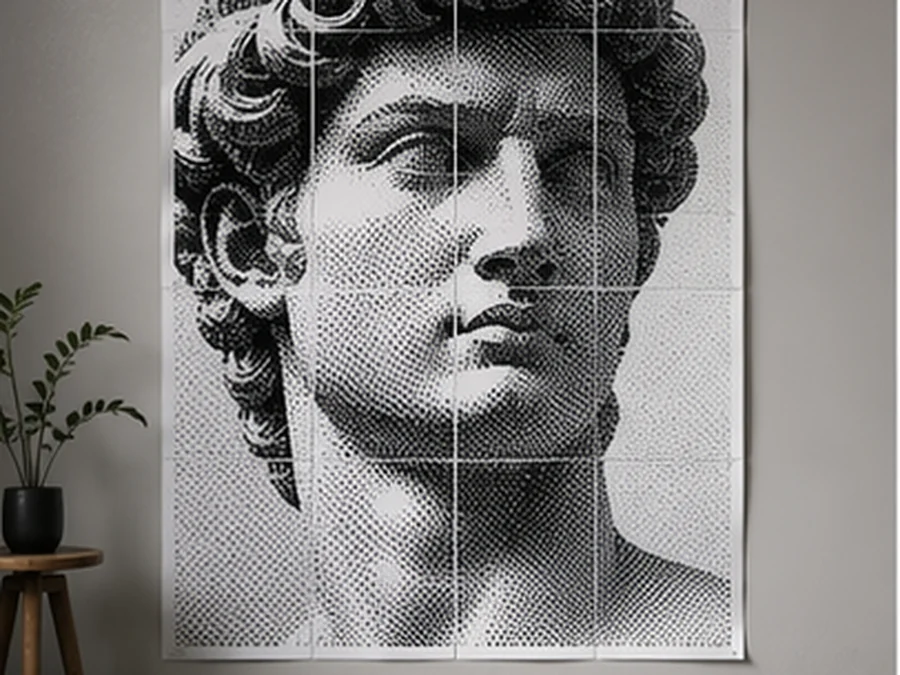
Classic B&W Halftone
Vintage newspaper look — bold black dots on white.
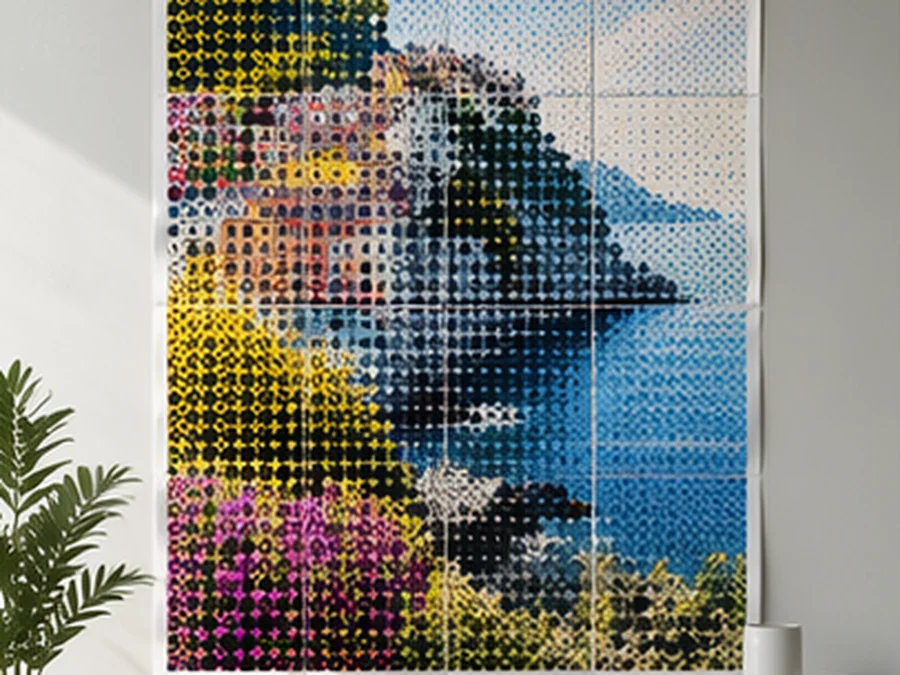
Color Halftone
CMYK-inspired pop-art palette in crisp dots.
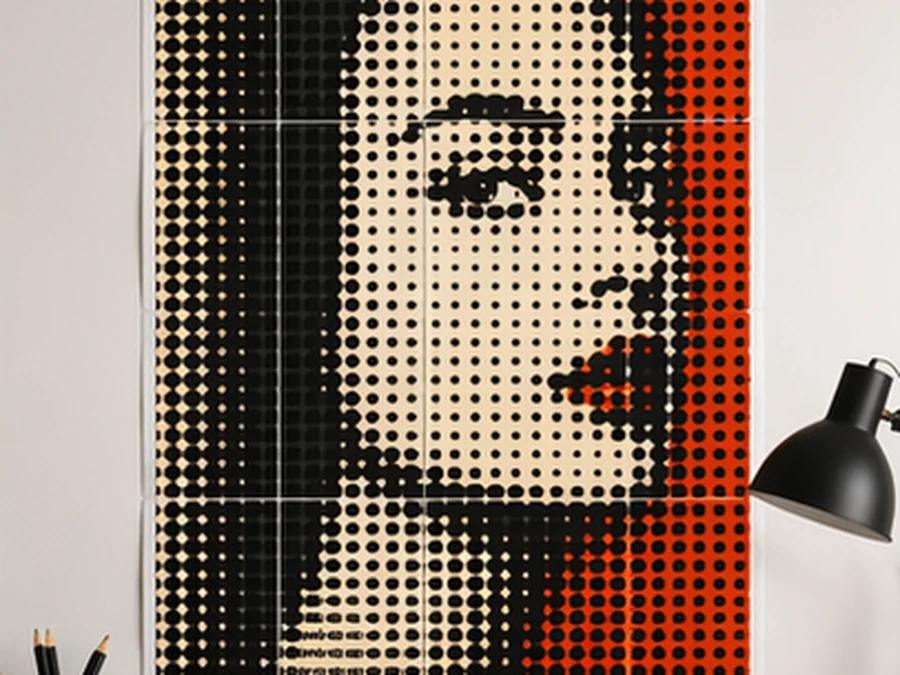
Pop Art Bold
High-contrast Lichtenstein-style halftone.
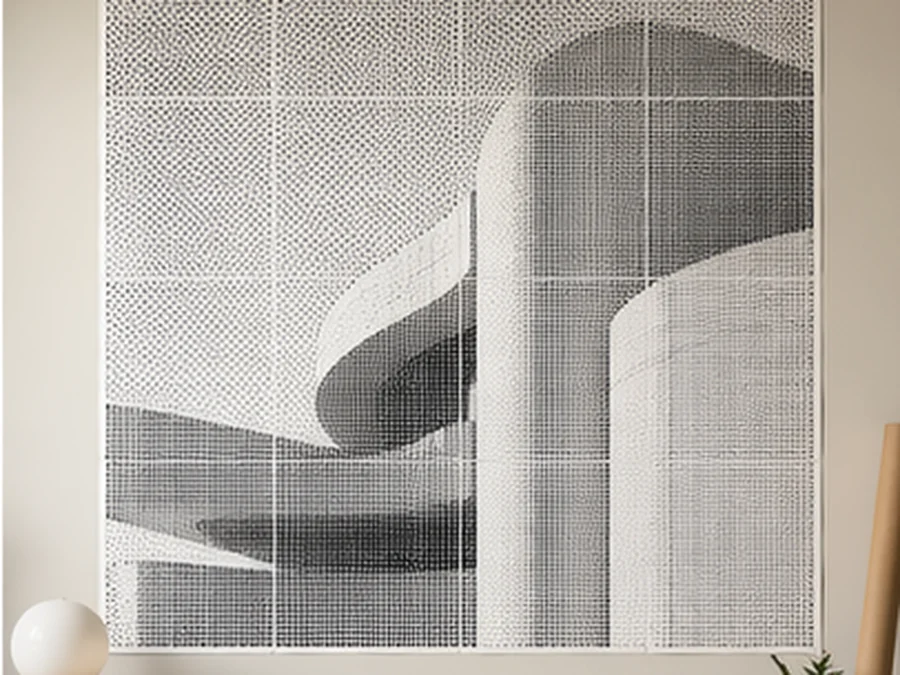
Minimal Dots
Clean modern dot pattern for subtle wall art.
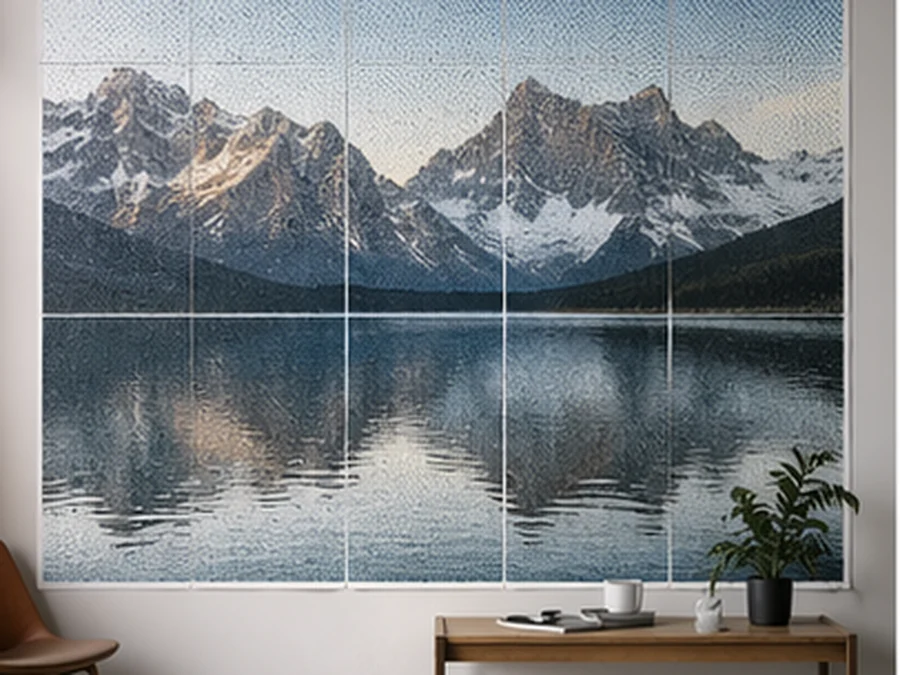
Large Wall Landscape
4×4 grid tuned for panoramic photos.
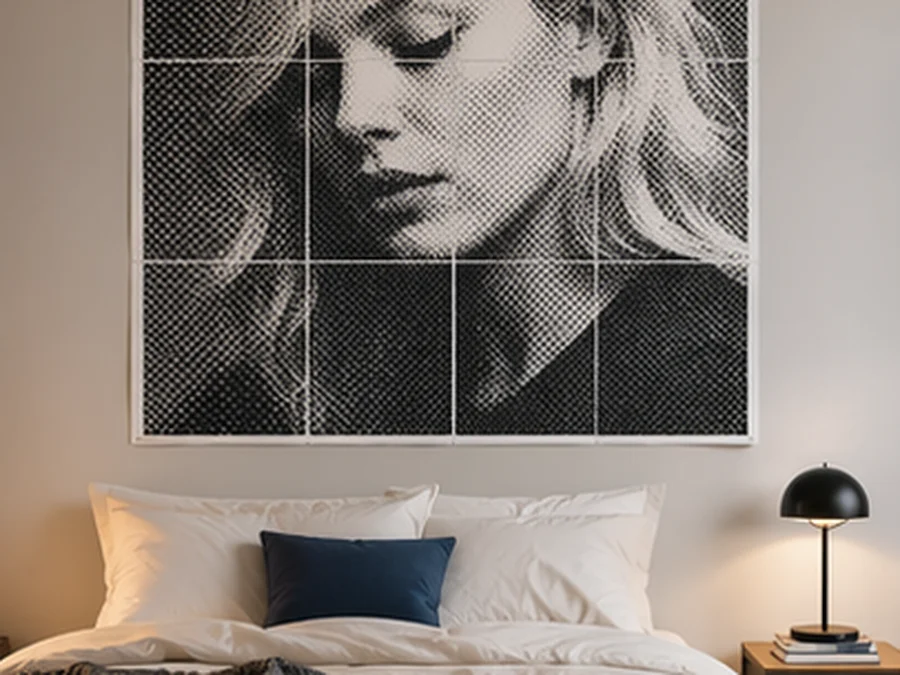
Bedroom Portrait
2×3 portrait layout for statement walls.
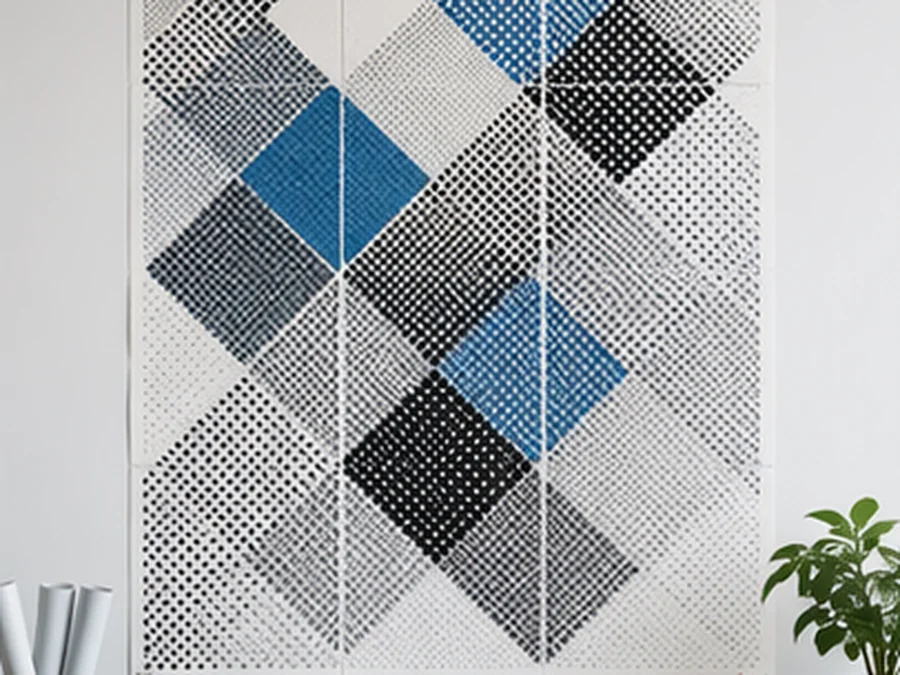
Office Abstract
3×2 landscape for abstract photography.
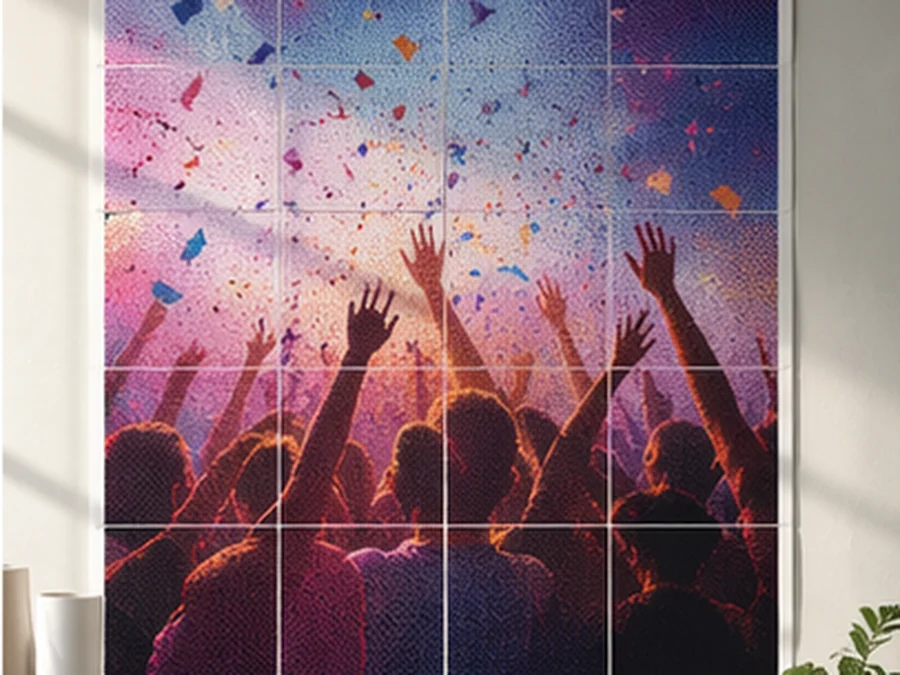
Party Photo Wall
2×2 square grid for group shots.
Why Our Wall Art Generator Is Different
100% browser-based
Your photos stay on your device — no uploads, ever. The generator runs entirely in JavaScript in your browser.
No sign-up, no watermark
Unlimited free exports. No free tier, no premium tier — just free.
Eleven halftone effects
From vintage newspaper dots to color pop-art, plus grayscale, high contrast, horizontal and vertical lines, cross, heart, triangle, and ASCII.
Works on any printer
A4, Letter, A3, A2, A1, Tabloid — home inkjets to office lasers. Even custom paper sizes.
How to Print Wall Art at Home
Most wall art looks great on standard 80 gsm copy paper — the paper most home and office printers already have in the tray. If you're printing something you want to keep for more than a year, step up to 100–120 gsm for a heavier feel that resists wrinkling and fading.
Always print at 100% scale and turn off "fit to page" or "scale to fit" in the printer dialog. If you don't, every tile will shrink by a few millimetres and the edges won't line up when you tape the pages together.
Print all pages, lay them out on the floor using the A1/B2 position labels printed in the margin, trim the white margins along the crop marks with a long metal ruler, and tape on the back — not the front. Masking tape or washi tape works on the back without show-through.
Halftone wall art reads best at roughly 1.5× to 2× the poster's width away from the wall. A 1.2 m × 1.8 m poster looks sharpest from about 2 metres; step closer and you see individual dots, step back and the image snaps into focus.
Wall Art Generator FAQ
What is a wall art generator?
Can I use photos from my phone?
How large can I make my wall art?
Do I need special paper or a special printer?
Is the wall art generator really free?
How does this compare to buying prints from a wall art store?
Ready to make your own wall art?
Start from a blank canvas or jump in with a template.