Best Types of Images for Halftone Posters: A Visual Guide
Understanding How Halftone Works
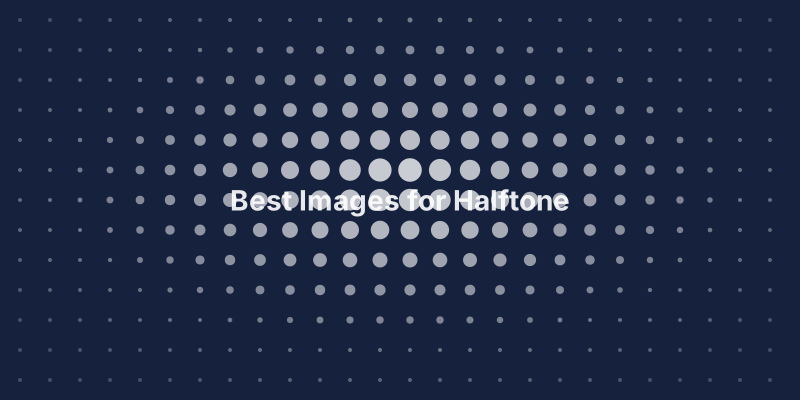
Before choosing an image, it helps to understand the mechanics. Halftone converts continuous tones into discrete dots of varying sizes. Dark areas become large dots, light areas become tiny dots, and mid-tones fall somewhere in between. Your eye blends these dots from a distance, recreating the illusion of smooth gradients.
This means the halftone effect is essentially a contrast amplifier. Images with strong tonal range — deep shadows and bright highlights — produce dramatic, eye-catching results. Flat, evenly-lit images produce a muddy, unimpressive output where all the dots look roughly the same size.
Tier 1: High-Contrast Portraits (Best Results)
Portraits with dramatic side lighting are the gold standard for halftone posters. Think of classic Hollywood headshots — one side of the face brightly lit, the other falling into shadow. This creates a natural gradient across the face that halftone dots render beautifully.
Black and white portraits work especially well because they already have the tonal separation that halftone needs. If you are starting with a color portrait, try converting it to grayscale first and increasing the contrast slightly. The result will almost always be more striking than the color version.
Pro tip: Close-up faces work better than full-body shots. The larger the face in the frame, the more detail the halftone effect can capture in the features — eyes, lips, and jawline all become recognizable even at large dot sizes.
Tier 2: Cityscapes and Architecture (Great Results)
Urban scenes are a natural fit for halftone. Buildings have strong geometric lines, windows create repeating patterns, and city lighting produces dramatic contrast. Skylines at dusk — with bright sky above and dark buildings below — are particularly effective.
Architectural details also work well: arched doorways, spiral staircases, bridge cables, and building facades with deep shadows. The geometric precision of architecture complements the geometric nature of halftone dots.
Tier 3: Nature and Landscapes (Good Results)
Not all landscapes work equally well. The key is contrast and a clear focal point:
- Great: Mountain silhouettes against bright skies, dramatic storm clouds, ocean waves crashing on rocks, lone trees against open sky
- Okay: Forest scenes with dappled light, sunset reflections on water
- Avoid: Overcast flat landscapes, foggy scenes, dense forest canopy with no sky
Tier 4: Abstract and Graphic Images (Variable Results)
Abstract images can produce interesting halftone results, but they are unpredictable. Bold graphic designs with strong black-and-white contrast translate well. Subtle watercolor-style abstracts tend to lose their character in the halftone conversion.
What to Avoid
Low-contrast photos: Images where everything is roughly the same brightness produce halftone output where all dots are similar sizes — boring and flat.
Very busy scenes: Images with too many small details and no clear subject become confusing as halftone posters. The dots obscure fine detail, so you need a strong overall composition.
Text-heavy images: Small text becomes illegible in halftone. If your image contains important text, make sure it is large enough to remain readable at your chosen dot size.
Very dark or very bright images: An image that is mostly black will produce mostly large dots with no variation. An image that is mostly white will produce mostly tiny dots that are hard to see. You need a range of tones.
The Quick Test
Before committing to a poster, try this simple test: squint at your image. If you can still identify the subject and it looks interesting with blurred details, it will probably make a good halftone poster. If it becomes an unrecognizable blur, choose a different image.
Another test: convert to grayscale and increase contrast by 20-30%. If the result looks dramatic and interesting, you have a winner. If it looks flat or washed out, keep looking.